
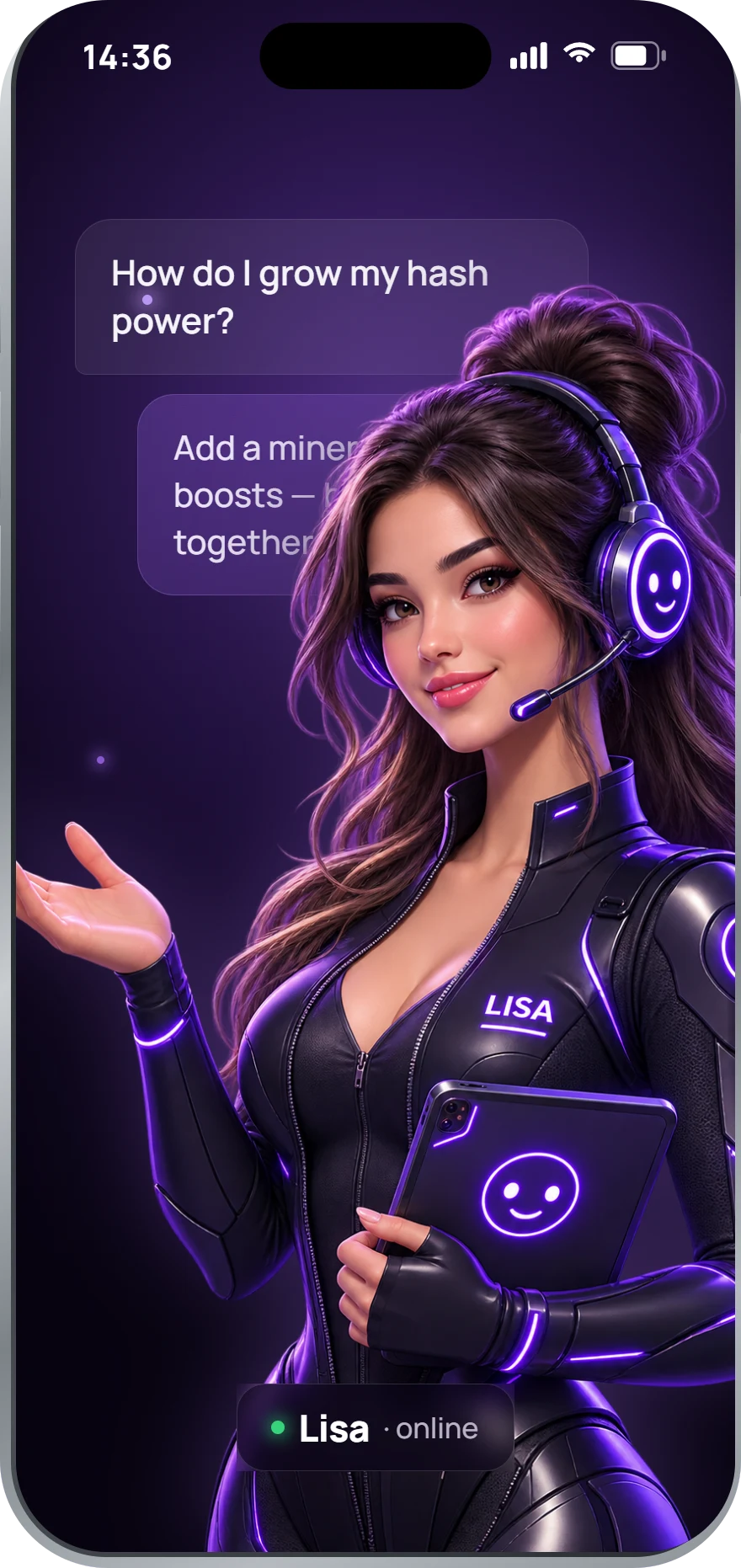
Lisa, the in-app assistant

Help center

Everything about mining from your browser: plans, daily sessions, transfers to your own wallet and your account. Can't find it? Support answers by e-mail around the clock, seven days a week.
QUICK ANSWER

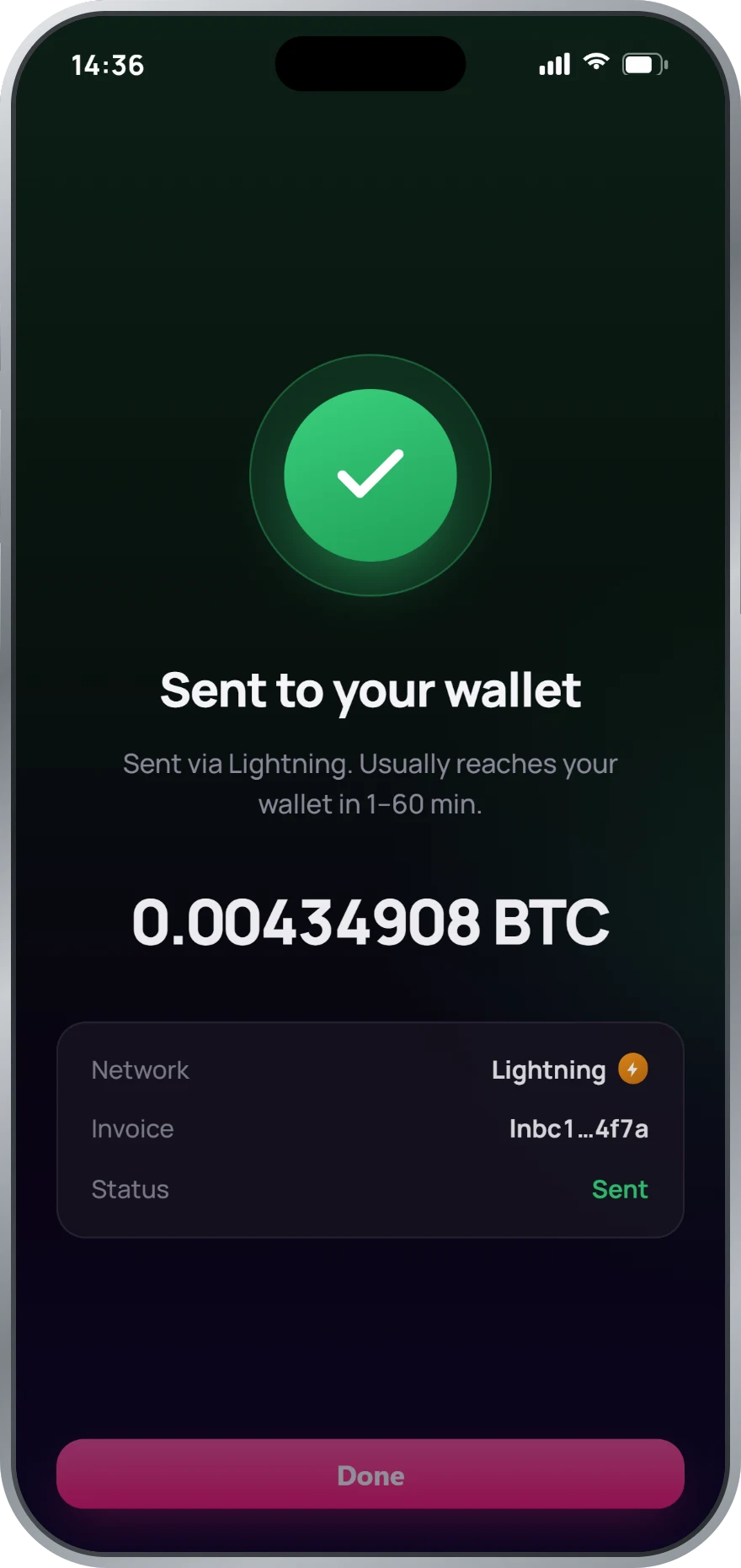
How do I transfer my Bitcoin?

Open the wallet page, choose Lightning (instant, tiny fees) or on-chain, paste your invoice or address and confirm. Minimums: 0.00000005 BTC on Lightning, 0.00045 BTC on-chain.

Read more
QUICK ANSWER

Why did my transfer fail with a generic error?

Every request passes automated security checks. If one is not passed you see a generic message — try a smaller amount, re-check the destination, or wait up to 24 hours and try again.

Read more
QUICK ANSWER

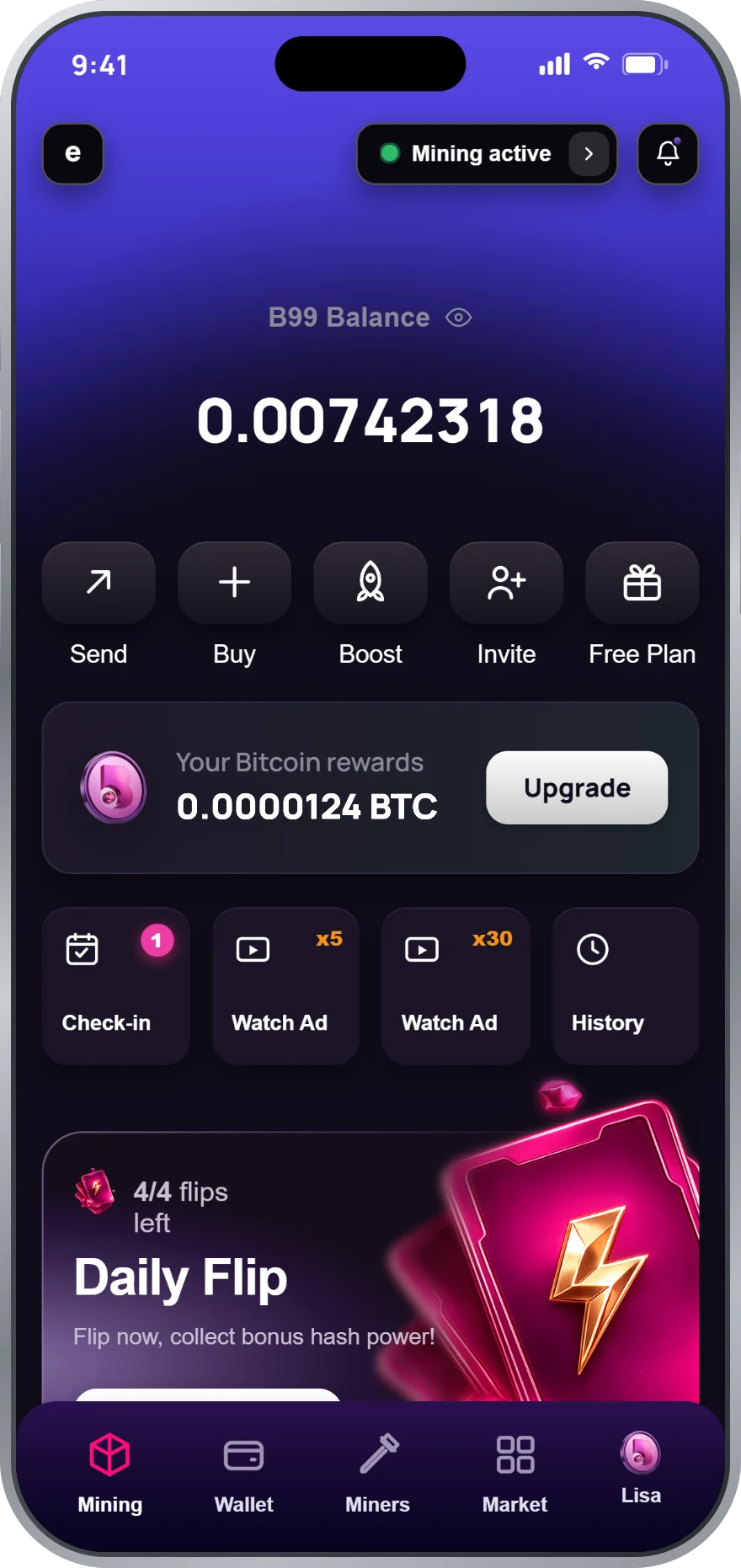
Is this the same account as the app?

Yes. Log in here with the e-mail you use in the B99 Mining app — plans, rewards, streak and wallet are one account on web and mobile.

Read more
QUICK ANSWER

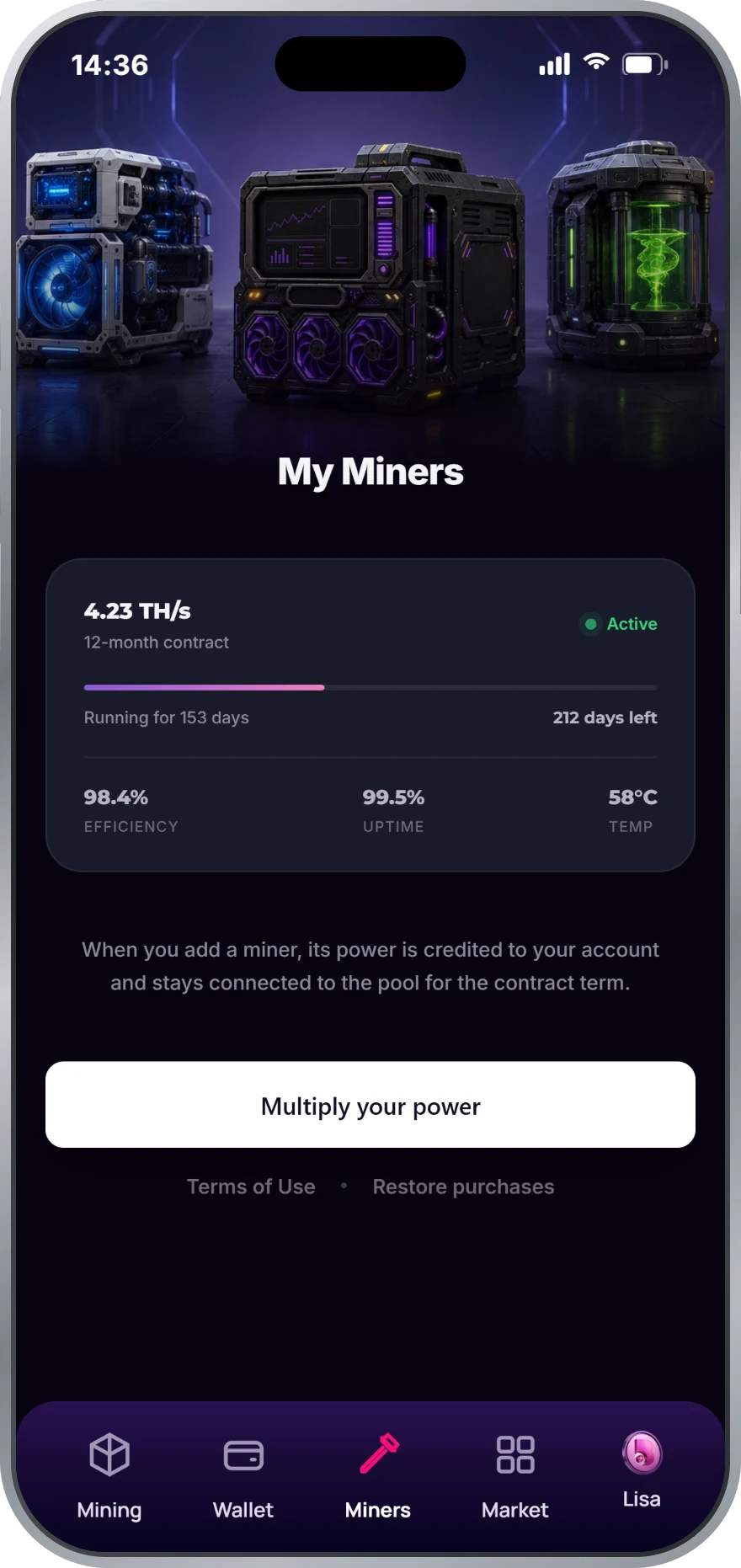
How do I add mining power?

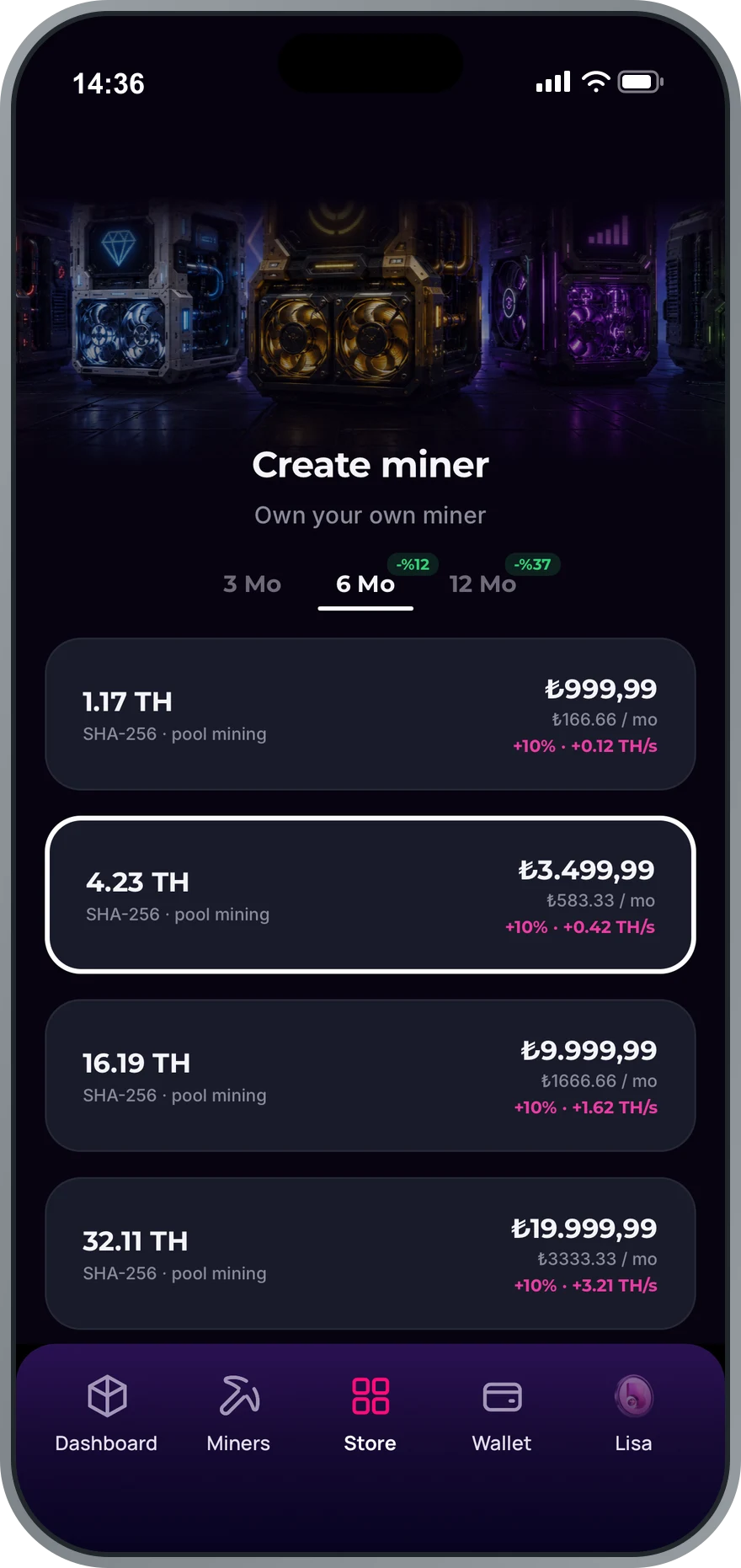
Log in, open Plans, pick a 3, 6 or 12-month plan and pay with Bitcoin, USDT, SOL or another coin. Crypto payments add 70% bonus hash power; the plan activates when the payment confirms.

Read more

Get in touch
with the team

One inbox, real people. Write in any language — we reply in English, usually within a couple of hours.

Email support

Payments, transfers, account questions — the support team reads every message, 24/7. Include the e-mail address of your account so we can find it quickly.

support@bitcoins99.com
Write to support

Support page

How to reach us, typical response times, what to include in your message and how to recognise an official message from us.

Support page
Open the support page

Telegram channel

Follow @b99mining for announcements, campaigns and maintenance notices. It is a broadcast channel — for anything about your account, write to support.

t.me/b99mining
Open the channel

Getting started


What is Bitcoins99?
Bitcoins99 is the web version of B99 Mining: a cloud mining service with a real-time dashboard for your hash power, daily sessions and Bitcoin rewards. Everything runs in our data centres — no hardware, and no CPU or GPU work on your own device.

How do I get started?
  1. Create an account with your e-mail.
  2. Choose a mining plan — or begin with the free starter plan.
  3. Start a session and follow your progress live on the dashboard.

Is this the same account as the mobile app?
Yes. Web and app share one account: log in here with the e-mail you use in the B99 Mining app and you will see the same plans, rewards, streak and wallet. Anything you buy here appears in the app immediately.

What is the free starter plan?
Every new account gets a starter miner at no cost. Log in daily, keep your streak alive and collect bonus hash power — no card or payment is needed to begin, and you can add a paid plan whenever you like.

Which browsers and devices work?
Any current browser — Chrome, Safari, Firefox or Edge — on a laptop, tablet or phone. Nothing is installed; your session runs in our cloud, so a closed tab does not stop your miner.

Plans & payments


Which plans are available?
Fixed 3, 6 or 12-month plans from 500 GH/s to 384 TH/s. Longer terms unlock savings and extra bonus hash power. See all plans and the hardware they run on.

How do I pay on the web?
From your account: pick a plan and pay with Bitcoin (Lightning or on-chain), USDT, SOL and other coins from any wallet. Crypto payments add 70% bonus hash power for the whole term; the plan activates automatically once the network confirms. USDT and other coins start at $10 — Bitcoin pays for any plan.

Do web plans renew automatically?
No. Web plans stay active for the selected duration (3, 6 or 12 months) and do not renew. To continue, buy a new plan any time after the current one ends. Mobile subscriptions bought through the App Store or Google Play renew automatically unless you cancel them in your device's subscription settings before the renewal date.

Are there maintenance or electricity fees?
No. The plan price is all you pay — power, cooling, hosting and repairs in our data centres are included for the full term, and daily rewards are credited without deductions.

Can I have more than one plan?
Yes — plans stack. Buy another one at any time and its hash power is added to your total.

Mining, sessions & rewards


How are mining rewards calculated?
Rewards are calculated from your allocated hash power and your active plan, then credited daily. Bonuses — streak, referral, campaign boosts — add hash power on top of the plan.

What is a daily session and why does it matter?
Open your dashboard and start the 24-hour session. Keeping a session running every day keeps rewards flowing and builds your check-in streak, which grows your bonus hash power day by day.

Why do my rewards change from day to day?
Like every miner in the world, your rewards follow the Bitcoin network: difficulty adjusts every 2 016 blocks and the BTC price moves daily. Your hash power stays fixed; what it collects varies with the network.

What hardware does my plan run on?
Current-generation SHA-256 ASICs in our three data centres — Antminer S21/S23, Whatsminer M60/M66, Avalon A15 and SealMiner A2 units. Plans are spread across machines, so a single unit going down never stops a plan. The fleet page lists them.

How do referral rewards work?
You may receive a referral reward based on the activity of users you invite. Terms apply — the current rules are shown on the invite screen in your account.

Transfers to your wallet


How do I transfer my Bitcoin?
Select the network — Lightning or on-chain.
Destination — enter a valid wallet address or Lightning invoice.
Processing — approval times vary; security checks may take up to 24 hours.

What are the minimum transfer amounts?
Lightning: 0.00000005 BTC
On-chain: 0.00045 BTC
Free-plan accounts: 0.00001000 BTC

How long does a transfer take?
Lightning: typically 1–10 minutes.
On-chain BTC: typically 10–60 minutes (blockchain confirmations).
Security review: larger transfers may be reviewed for up to 24 hours.

Why did my transfer fail with a generic error?
For security and fraud-prevention reasons every transfer request goes through automated checks — identity, device, address, velocity and daily / periodic transfer limits. If a request does not pass one of them you may see a generic message such as "Please verify the information you entered." The exact limits are intentionally not disclosed.
What you can do: try a smaller amount · wait up to 24 hours and try again · double-check your destination address or Lightning invoice · make sure you are not exceeding a per-day total across several transfers. If it continues, contact support@bitcoins99.com. Limits may differ between Lightning and on-chain and may change at any time; see the User Service Agreement for the legal description of these controls.

What if I use the wrong network or address?
Blockchain transactions are final. Assets sent to an incorrect destination cannot be recovered — verify every character before confirming, and make a small test transfer first if you are unsure.

Lightning guide


Lightning or on-chain — which should I use?
Lightning (Layer 2) — instant and low-cost when your destination supports it. Needs an invoice starting with lnbc…; never paste a standard BTC address (1… / 3… / bc1…) into the Lightning field.
On-chain (Layer 1) — for wallets or exchanges that give you a standard Bitcoin address (1… / 3… / bc1…). Slower and with network fees.

How do I make a Lightning transfer step by step?
  1. Open your Lightning-compatible wallet.
  2. Tap Receive or Deposit.
  3. Enter the exact transfer amount.
  4. Copy the generated lnbc… invoice.
  5. In the transfer section of your account, paste the invoice and confirm.

What are the critical Lightning rules?
Exact amount — the invoice amount must match your transfer request exactly; avoid "any amount" (0 sat) invoices.
Invoice expiry — set at least 24 hours; short expirations fail if processing is delayed.
Invoice format — Lightning needs an lnbc… invoice; never use an on-chain address for Lightning.

Which Lightning wallets are commonly used?
Non-affiliated examples: Wallet of Satoshi (beginner-friendly), Phoenix, Blink (Bitcoin Beach), Muun and ZBD.

How do I transfer to an exchange over Lightning?
  1. Open the Deposit section of your exchange.
  2. Select Lightning Network (BTC-Lightning).
  3. Generate an lnbc… invoice (not a standard address).
  4. Paste it into the transfer section of your account and confirm.
Exchange deposit options vary by region.

My invoice was rejected — what now?
Confirm it starts with lnbc…, that the amount matches exactly and that it has not expired. Then generate a fresh invoice and try again.

Account & security


How do I reset my password?
On the log-in page choose Forgot password and enter your e-mail. We send a reset link; open it and choose a new password (at least 8 characters with upper- and lower-case letters and a number).

Which security reminders should I follow?
Verify destination details character by character · make a small test transfer first if unsure · never share screenshots that contain wallet keys or invoices you have not used yet · keep your e-mail account protected, since it is your recovery path.

How do I delete my account?
Open Profile in your account and choose Delete account. Deletion is permanent: balance, plans and history are removed and cannot be restored, so transfer your Bitcoin first.

How can I contact support?
Write to support@bitcoins99.com and include the e-mail address of your account — the Support page explains what to send along. Results and rewards vary with network conditions and are not guaranteed.

Step-by-step guides

Set up a Lightning wallet

Get a Lightning-compatible wallet, create an invoice for the exact amount and paste it into your account — three steps, a couple of minutes.

Transfer checklist

Pick the right network, verify the destination, respect the minimums and the daily total — and know what the 24-hour security review means.